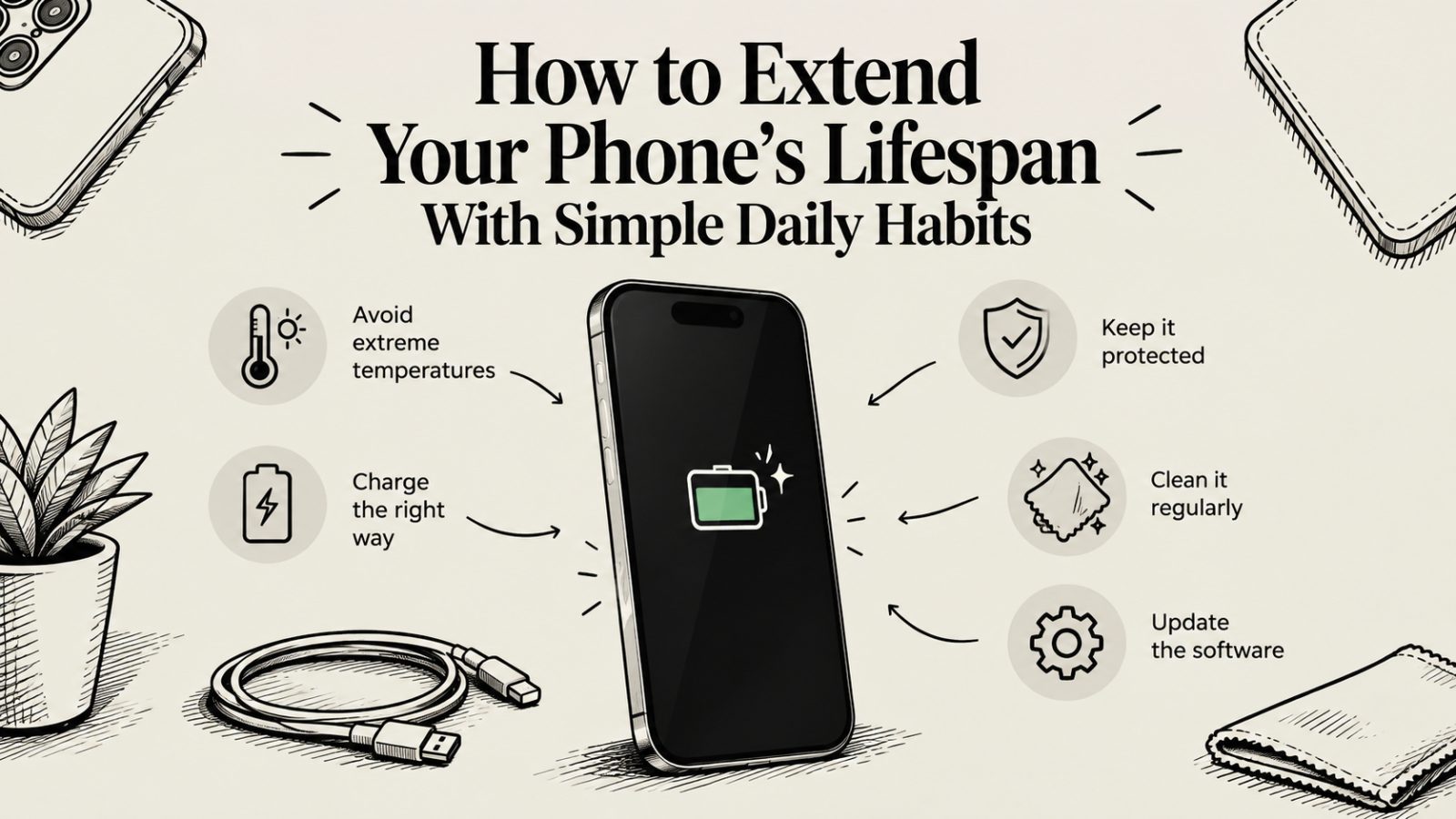
A phone does not usually fail in one dramatic moment. It wears down slowly. The battery fades. The screen collects scratches. Updates stop. Small habits decide how fast all of that happens.
The good news is that these habits are easy. Even a refurbished iPhone 17 can serve you for years if you treat it well. So let’s follow a typical day and see where the wins are.
Keep It Out of the Heat
Heat is the biggest enemy of a phone battery. Apple says iPhones work best in temperatures between 0 and 35 degrees Celsius. Its ideal comfort zone is 16 to 22 degrees.
That matters in Australia. A phone left on a car dashboard in summer can climb well past 35 degrees. The battery wears faster each time that happens.
So never leave your phone in a parked car. Do not rest it on a sunny windowsill. And take it out of its case if it feels hot while charging.
Protect It From Knocks
Most damage happens in a second. A drop onto concrete. A slip from a pocket. A bag squashed on a train.
A good case and a screen protector cost little compared with a repair. Choose a case with raised edges around the screen and the camera. Keep your phone in a pocket without keys or coins.
Also treat water resistance with respect. It is not permanent. Seals can weaken with age and knocks. So avoid pools and the beach if you can, and rinse off sand rather than wiping it dry.
Keep the Software Light
A cluttered phone works harder than it needs to. That drains the battery and slows everything down.
Delete apps you no longer use. Switch off background refresh for apps that do not need it. Keep roughly a tenth to a fifth of your storage free so the phone has room to work.
Install software updates when they arrive. They fix security problems and often improve performance. A phone that stops updating becomes less safe and less useful.
Charge Smartly
You do not need to be nervous about charging. A few simple rules help.
Use a good quality charger and cable. Cheap, unbranded ones can deliver poor power and may damage the battery. Charging in a cool place helps.
Turn on Optimised Battery Charging on your iPhone. It learns your routine and slows charging near full. The iPhone 15 and newer also let you cap charging at 80 percent. Many Android phones have similar battery protection modes in their settings.
Try not to let the battery sit at zero. And if you store a phone for a long time, leave it around half charged.
Let It Rest
Charging overnight is fine on a modern phone. But a few touches make it better.
Leave the phone somewhere open and cool. Do not bury it under a pillow or blanket. Take off a thick case if the phone gets warm. And let the optimised charging features do their job.
The Weekly Reset
Once a week, spend two minutes on upkeep.
Restart your phone. This clears small glitches. Wipe the screen and the case. Clean the charging port gently with a soft brush or a puff of air. Never push metal pins into it.
Check your backups too. Make sure your photos and files are saved to iCloud, Google, or a computer. A backup does not extend a phone’s life. But it makes any problem much less painful.
The Yearly Health Check
Once a year, look at the battery. On an iPhone, open Settings, then Battery, then Battery Health and Charging. Note the maximum capacity.
Apple designed the iPhone 15 battery to keep up to 80 percent of its capacity after 1000 charge cycles. That is a lot of life. Once health drops below 80 percent, you will feel the difference in daily use.
Also look at the body. Check for cracks and loose parts. Fix small problems early before they grow.
Replace the Battery, Not the Phone
Here is the habit that saves the most money. When the battery fades, replace the battery.
A new battery can bring a tired phone back to life. It costs far less than a new handset. This works best while the rest of the phone is healthy and still gets software updates.
Choose a repairer who uses quality parts. Ask whether they use genuine components. And keep the receipt for any warranty.
Starting With a Phone Built to Last
All these habits work better on a phone that starts in good shape. So the choice of seller matters.
There are two common routes. One is a marketplace such as Back Market. It connects buyers with independent refurbishers. It listsrefurbished smartphones from many sellers. It describes a 30-day return window and a minimum one-year warranty, though you should confirm the current Australian terms. Because the sellers differ, quality and detail can vary from one listing to the next.
The other route is a specialist retailer that prepares and sells its own stock. Trade.com.au shows real photos of the actual phone, so you can inspect the condition yourself. It states that its refurbished devices go through a 72-point check. And it offers a 12-month warranty. Read the warranty terms to see what is covered.
Either route can work. Compare the grade, the battery health, and the warranty on each listing. To see a current example, browse theRefurbished iPhone 17 in Australia listings and check the details.
Final Thoughts
You do not need special gear or complicated routines. Keep your phone cool. Protect it from drops. Charge it sensibly. Update it. Clean it. And replace the battery when it fades.
These small habits add up. Over a few years, they can mean the difference between a phone that feels tired and one that still feels fresh.
A note on your brief. The primary keyword says iPhone 17, but the URL you gave points to the iPhone 17 Air model page. I used it as supplied. Please check that it is the page you want. The target page URL and required anchor fields were blank, so I used only that one Trade.com.au link. I also kept the Back Market warranty wording cautious, so please confirm its current Australian terms before publishing.